DocKit
Everything Acrobat does. Nothing uploaded.
- Sole engineer
- 2026
- image formats in
- 20image formats in
- interface languages
- 23interface languages
- files uploaded
- 0files uploaded
The problem
Documents are where work gets stuck. A portal wants a scan under 200 KB. A form needs a signature. A lecturer wants slides, a client wants Word, and a photo from an iPhone won't open on the school computer. The tools that handle all of it cost a subscription, and most of them upload your files to someone else's server.
The approach
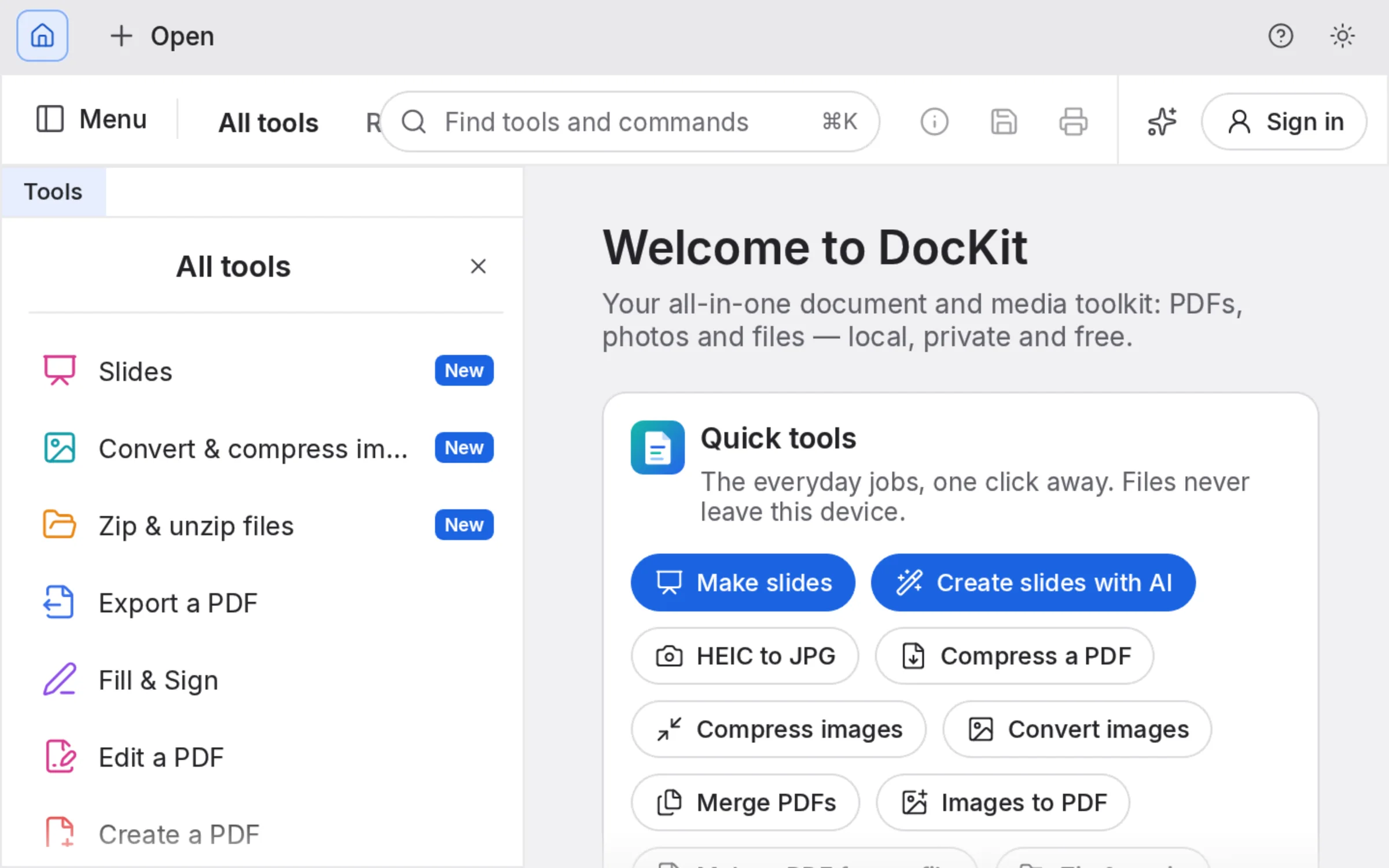
One app for anything a document can need, running entirely on your device. No account, no upload, no tracking.
- Edit and sign. Change text and images, comment, fill in forms and add digital signatures.
- Organise. Merge, split, extract, insert, replace, reorder, rotate, crop and label pages.
- Scan and protect. Turn scanned pages into searchable text, redact, password-protect, watermark, add Bates numbers and check accessibility.
- Convert anything. PDF to Word, PowerPoint, RTF, HTML and images, and back again. Twenty image formats in, including iPhone HEIC, and seventeen out. Compress any file to an exact size.
- Create and present. Build PDFs from photos and text, and make slide decks, with an optional assistant that drafts them for you.
- Files. Zip and unzip archives without leaving the app.
Every tool also runs on its own, without the interface, so a whole workflow can be scripted or handed to an agent.
What I owned
All of it, as my final-year project: the product, the interface, and the editing and conversion engines, built on the open-source PdfCraft core, with releases for the browser, macOS, Windows and Linux.
Outcome
Live in the browser at dockit.ejimone.me, in 23 languages. Free, private, and built for the everyday document jobs people usually pay for.
Built with
Rust · WebAssembly · egui · MCP